
Bill Payments
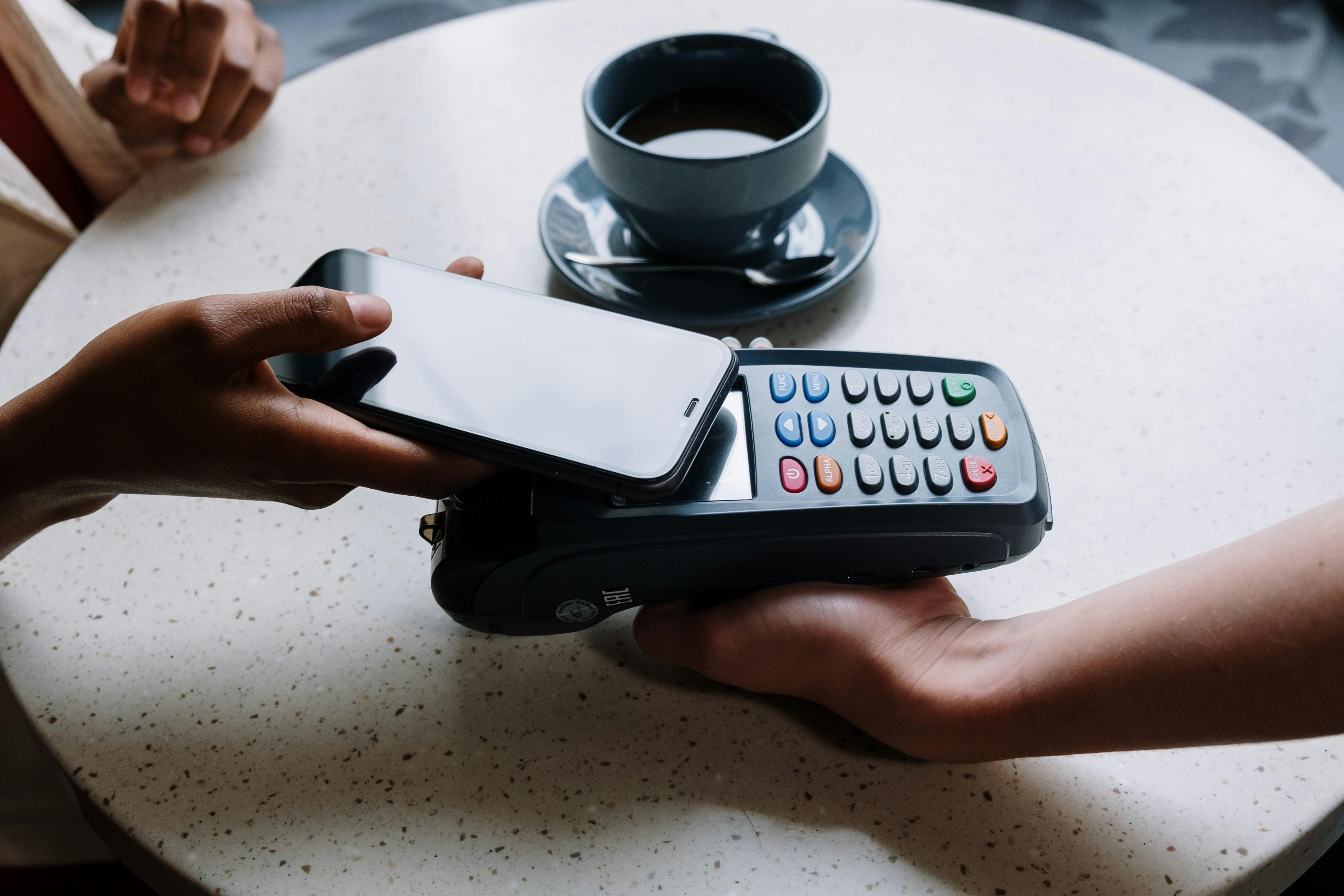
Make it easy for your customers to pay cash bills and receive them on your payment terminal in your store
Start Now
Fast setup
Activate the SADAD bill payment service in less than 48 hours.
Additional revenue
Earn a commission on every bill paid from your device.
More security
All transactions are protected by a PIN to ensure the highest levels of security.
Easy management
Top up your wallet as needed and track your balances in real time.
Integrated bill payment point
Offer your customers bill payment services for various sectors from your device.

Telecom bills
Provide your customers with phone and internet bill payment services.

Internet services
Easy payments for subscriptions and digital services.

Utilities
Simplify payment of water, gas, and electricity bills.

Donations
Simplify charitable donations from your in-store device and help goodness reach faster.

Government services
Provide the ability to pay various government fees from your store.

Education
You can also receive school and university tuition fees.
How to pay bills
Go to Bill Payments
Select "Bill Payments" from the main POS screen to start.
Choose payment category
Select the sector and the entity your customer wants to pay.
Enter the amount to be paid
Enter the amount the customer wants to pay, then the system will automatically review the amount to ensure accuracy.
Track payments
All completed payments are recorded immediately and appear on your POS system.
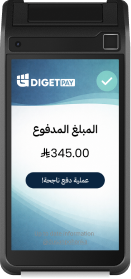
Payments are easier with DigetPay code
Now customers can easily pay for their online purchases from your store on the payment device, using a special code that appears to them when they complete their order online.